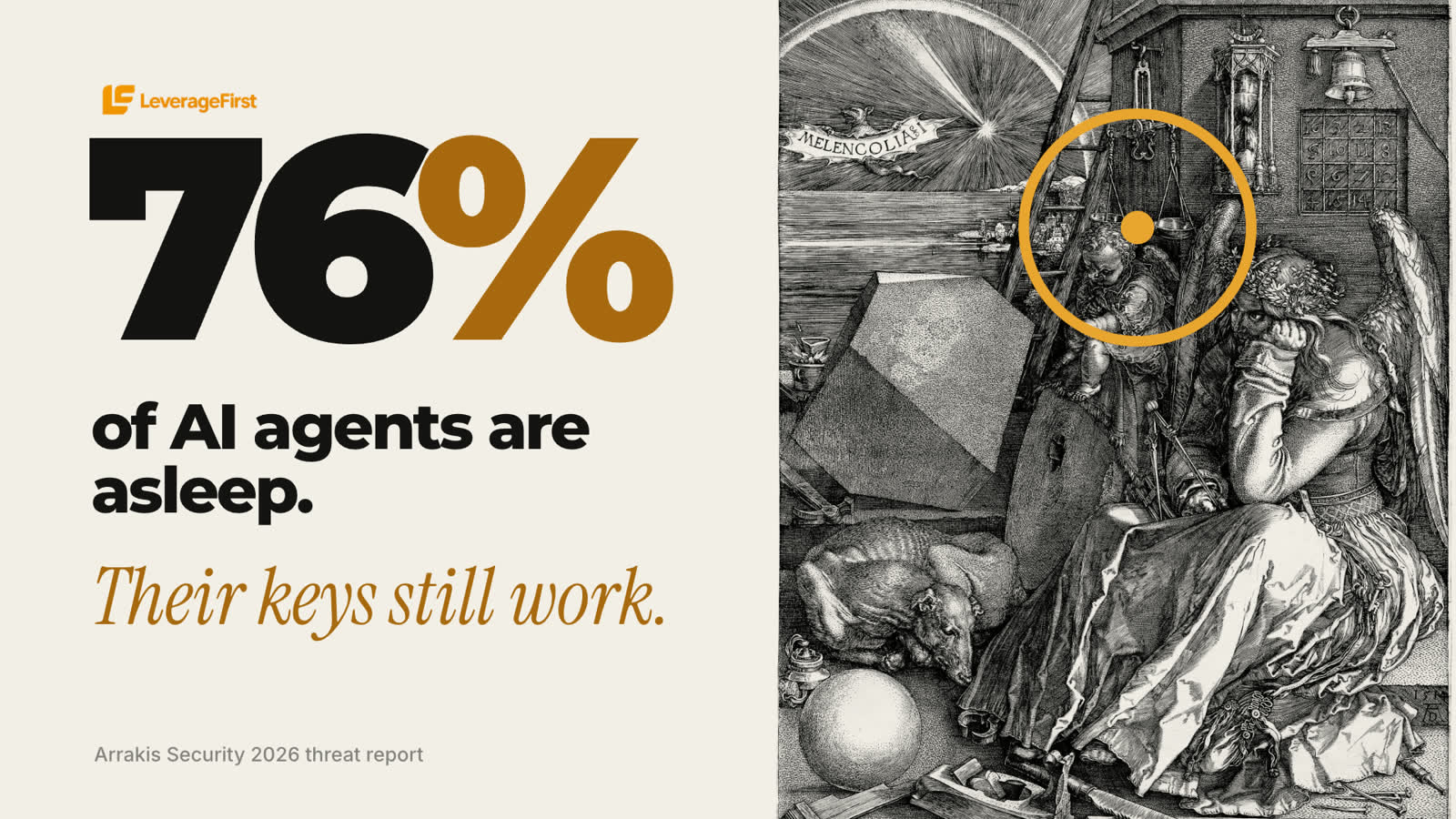
The AI agent you tried once and forgot about may still have access to your email, your calendar or your client files. A new AI agent security report says that's the norm, not the exception.
Here's what it found, what it means for small business AI security, and a 15-minute cleanup you can do this week.
What the 2026 AI agent security report found
On October 21, 2026, Arrakis Security published its 2026 threat report, based on telemetry from thousands of AI agents running in its customers' systems over 12 weeks (Hackread, SecurityOnline):
One honest note: the numbers come from a company that sells AI agent security, so treat them as a strong signal rather than an independent study. The pattern matches what we see in small businesses too.
Why dormant AI agents happen in small businesses
When an employee leaves, someone turns off their accounts. When an AI tool stops being used, nobody does. The free trial you connected to your inbox in the spring, the scheduling bot from a webinar, the "AI assistant" plugin in your CRM: each one kept the access you gave it.
No one owns the off-switch, so the access stays open. That's how a forgotten tool becomes a back door to client data.
The 15-minute AI security cleanup
Do this once, then once a month
- List what's connected. In Google or Microsoft 365, open the page that lists third-party apps with access to your account. Do the same in your CRM, calendar and payment tools.
- Revoke anything unused for 60 days. If you're not sure what it is, remove it. A tool you need will ask to reconnect.
- Downgrade what stays. Read-only wherever possible. Agents that draft are safer than agents that send.
- Name an owner. One person checks the list on the first of every month. Put it in the calendar.
3 rules for the AI agents you keep
These are the same 3 rules from last week's update on background AI agents:
- Least access: read-only wherever possible.
- A human clicks yes: anything with money, contracts or private client data needs your approval.
- Never share passwords: no passwords, card or ID numbers in a chat or call.
Automation without the open doors
You don't have to choose between AI that saves hours and AI you can trust. Every LeverageFirst setup, from the AI receptionist and missed-call text-back to automated follow-up and review requests, is built with these rules from day one: only the access each step needs, a human approval on anything sensitive, and one owner for every connection.
Want your calls, texts and follow-up automated, with the security built in?
Book a 20-minute strategy callThe takeaway
AI agents are useful, and they're employees with keys. Give them only the keys they need, and take the keys back when they stop working for you.
Frequently asked questions
What is a dormant AI agent?
An AI agent or AI tool that hasn't run for weeks or months but still has working access to your accounts, such as email, calendar, files or a CRM.
How many AI agents are dormant?
Arrakis Security's October 2026 report found 76% of the agents it monitored had not run in 60 days but still held working credentials. The data comes from the vendor's own customers.
What is the fastest way to improve small business AI security?
Revoke access for any AI tool unused in the last 60 days, switch the rest to read-only where possible, require a human approval for anything involving money or client data, and name one person to check connected apps every month.
How do I remove an AI tool's access to my Google account?
Open your Google Account security settings, go to third-party apps with account access, select the tool and remove its access. Microsoft 365 has a similar apps-and-services page.